

Newsletter Glue 4.1 is here, led by a frequently requested addition to the Latest Posts and Post Embeds blocks: captions under your featured images. There’s also a handy layout improvement and full compatibility with WordPress 7.1. Here’s what’s new.
Featured image captions
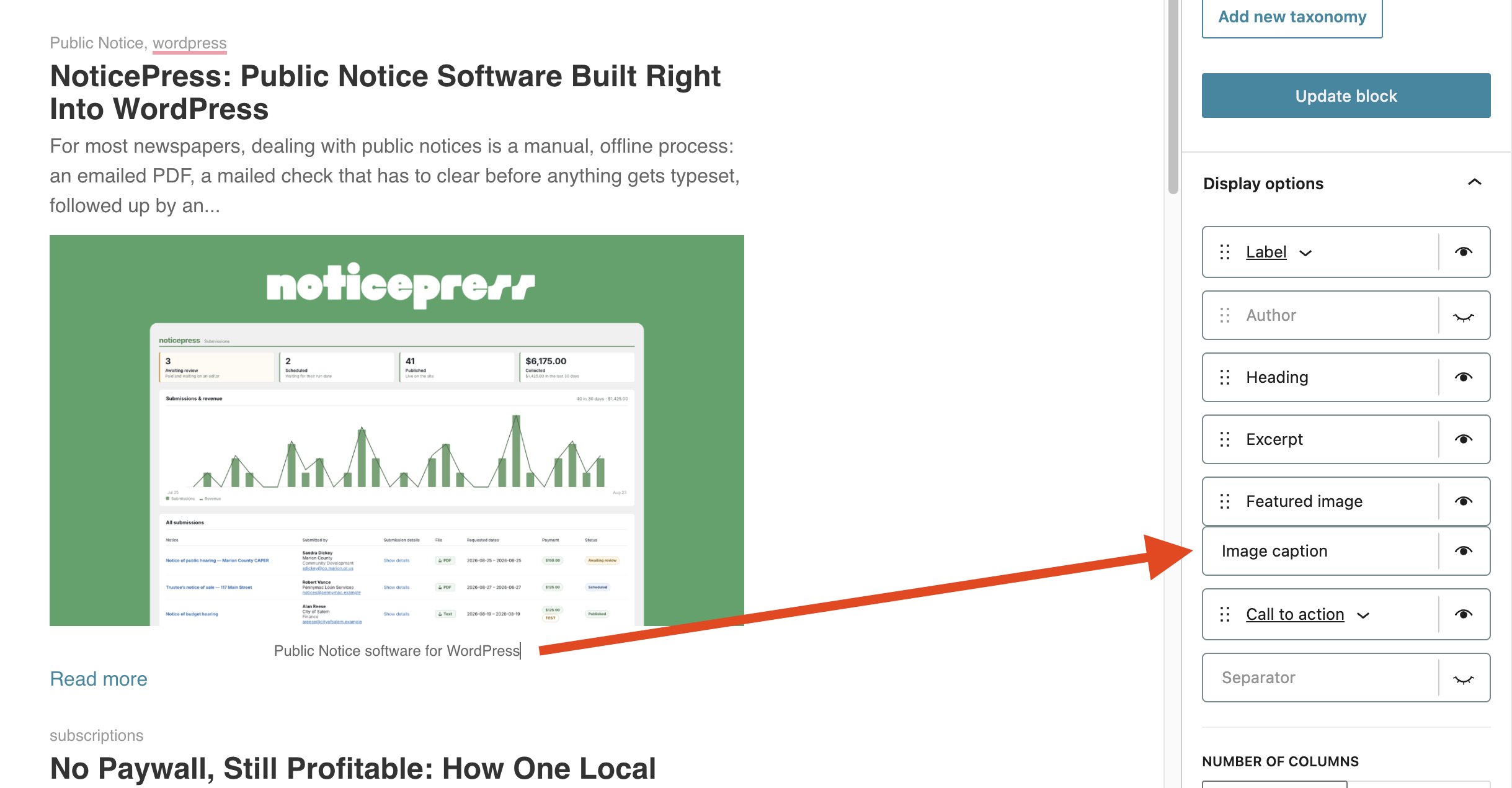
Whether you’re crediting a photographer, adding context, or labeling a chart, you can now show a caption right beneath each post’s image, and style it to match the rest of your newsletter. Captions default to the image’s WordPress caption, the Caption field in your Media Library, so if you already caption your images, they flow straight into your newsletter. You can also edit any caption inline, per newsletter, without touching the original image.
Turn captions on
Open the block’s Display options and flip on Image caption. It sits right under the Featured image control, so it’s there whether your layout is full-width or a column.
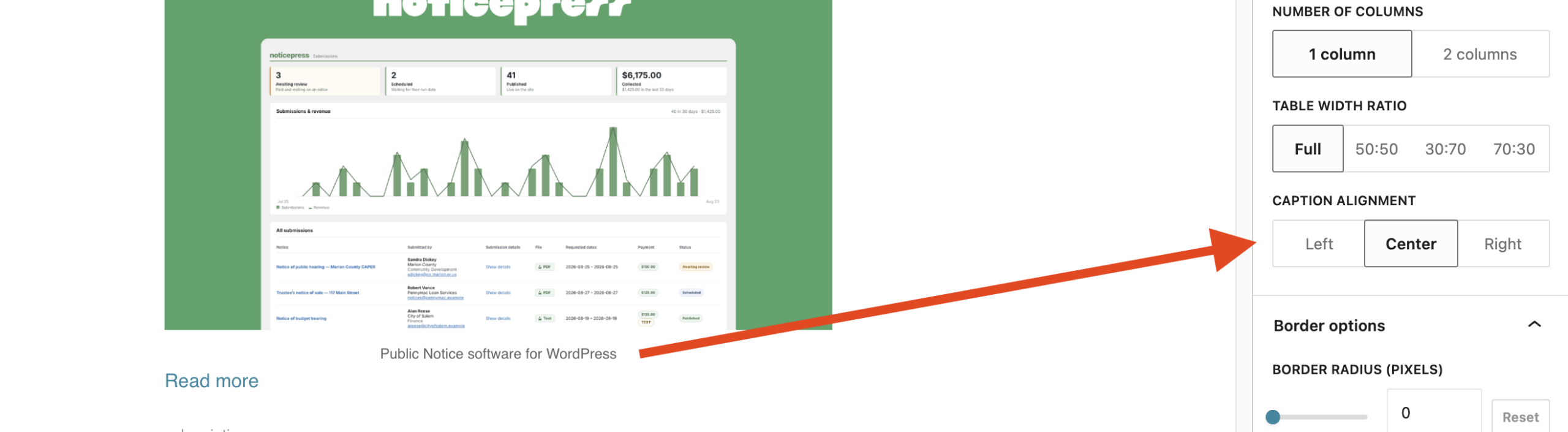
Align them your way
Captions can sit left, center, or right. Pick whatever suits your layout from the Caption alignment control.
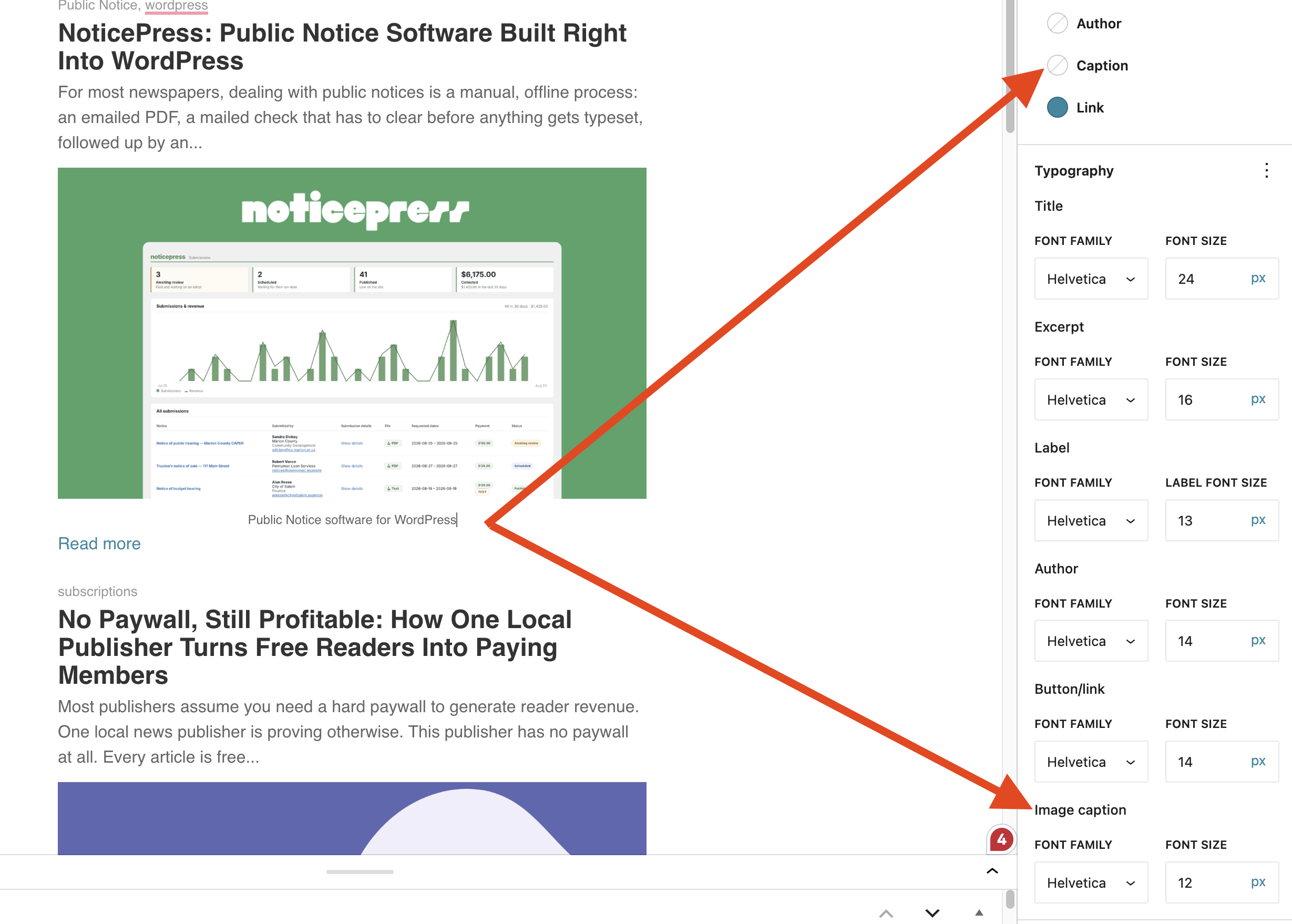
Match your brand
Give captions their own look. Set the color, font family, and size, with separate desktop and mobile sizes, just like the other text in your block.
Move the featured image anywhere
The featured image is no longer locked to the top. In the full-width layout, it joins the other fields in Display options, so you can drag it above the heading, below the excerpt, or wherever it works best for each post. It’s a small change that gives your Latest Posts and Post Embeds blocks a lot more flexibility.
Built for WordPress 7.1
Newsletter Glue 4.1 is fully tested with WordPress 7.1 and its new iframed block editor. Along the way we fixed a few things the updated editor surfaced:
- The email editor no longer squeezes regular posts and pages to a 600px width. That narrow email canvas now applies only to Newsletter Glue post types and any post type you’ve enabled for Send as newsletter.
- Newsletter Glue’s editor styling now loads correctly in the Automations, Transactional, and Subscribe Forms editors.
- The WordPress admin bar is no longer hidden in the full Site Editor.
A few more touches
Settings now sits at the bottom of the Newsletter Glue menu, below Subscribe Forms, keeping the items you use most within easy reach.
Update today
Newsletter Glue 4.1 is available now. Update from your WordPress dashboard, or download the latest version from your account, and try the new caption options on your next send.